The Internet Questions to Ask Before Renting a Home for Remote Work
Check room-level broadband, shared Wi-Fi, work needs and service terms before renting a room for remote work.
Published2 min read

On this page
Ask about the connection at the room
A building may have broadband without every bedroom getting a reliable signal. Ask where the router sits, whether the service is shared, whether there are ethernet connections and what happens during an outage. If video calls are central to your job, test the connection from the desk or ask for a current speed test taken in the room.
Check the exact address
Use Ofcom’s broadband availability checker for the full address. It shows predicted services and speeds, not a guarantee of what one room will receive, so confirm with the internet provider and property manager. Ask whether a new tenant can choose a supplier or whether the building has one shared service.
Match the service to your work
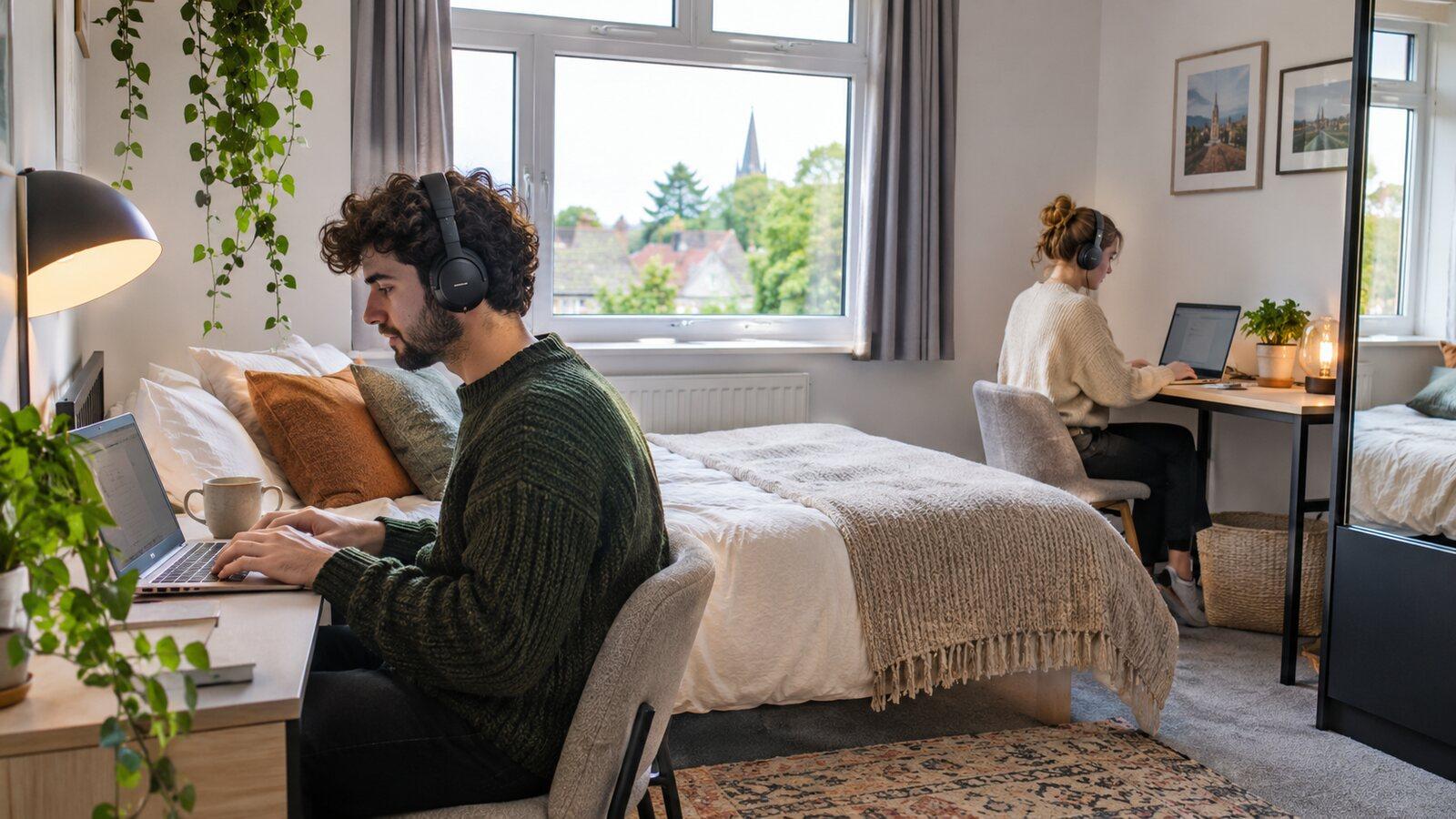
List how many people may be online at once, whether you make frequent calls, upload large files or use a VPN. Ask about quiet space and whether a desk is included. Speed is only one part of the setup; a strong connection is less useful if calls are repeatedly interrupted by kitchen noise.
Check how costs are handled
If internet is included, ask whether the cost is in the rent, separately charged or subject to a fair-use clause. Shelter’s rent and bills guidance explains that included services should be set out in the written terms for private assured tenancies.
Test during your own working hours
A speed result at lunchtime may not reflect a busy evening when several residents are online. Ask whether the service has a usage cap or planned maintenance window. If your employer requires a secure VPN or wired connection, check that setup in advance. Confirm who reports faults and whether the property manager can reset equipment or contact the provider.
Know what to do if it fails
Ask who is responsible for contacting the broadband provider and whether the router can be restarted safely. If you have a meeting that cannot move, agree a backup before it happens: another room, a phone hotspot or a nearby work location you can use. Do not assume a mobile signal will be strong indoors; check it from the desk during a viewing if you rely on it.
Make a first-week test plan
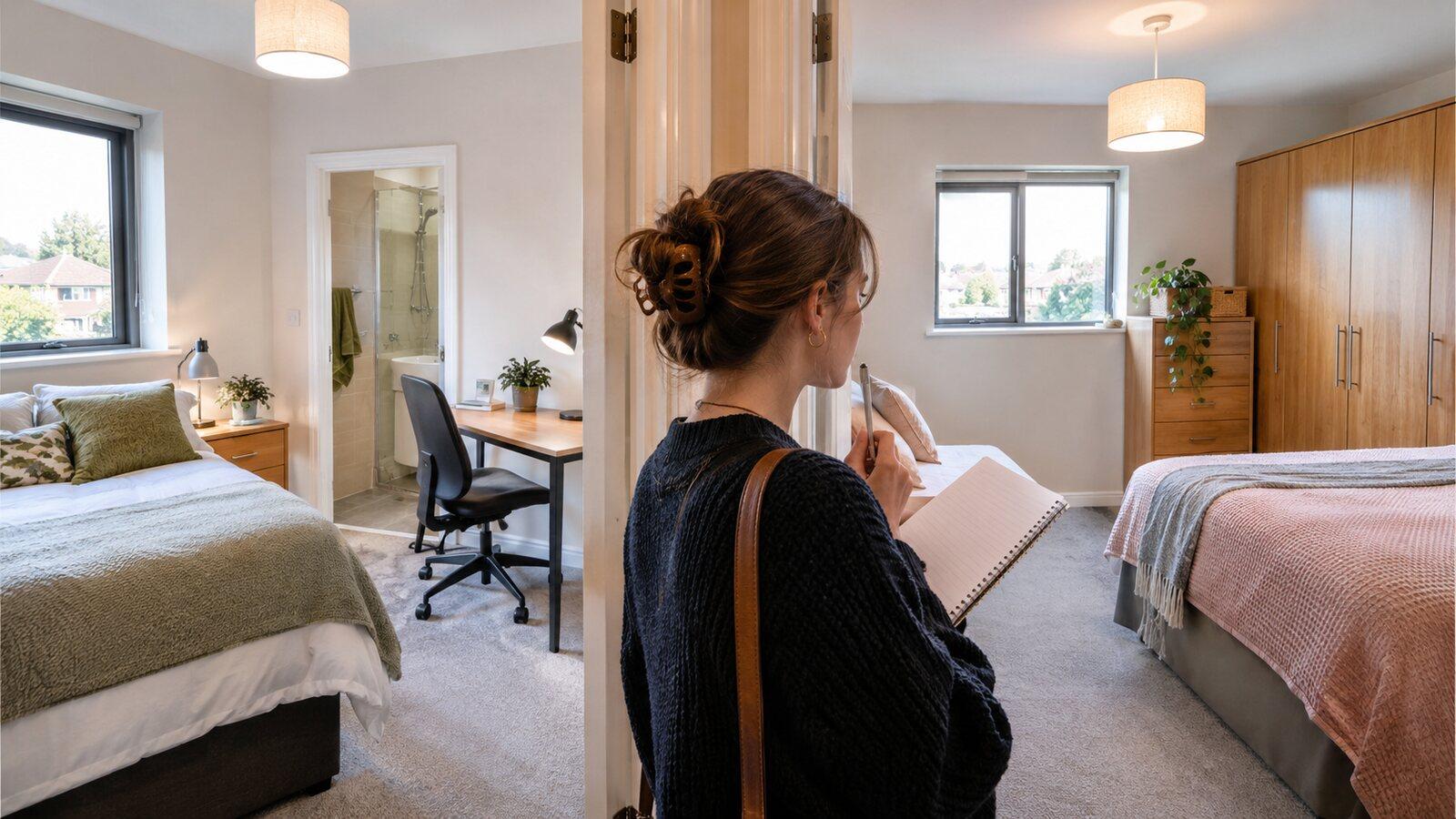
Before your first important call, test the connection at your usual working times, in the room and with the device you will use. Have a backup plan for a critical meeting. B-Hive available homes can be assessed with these address-specific questions.
Sources
- Ofcom broadband checker checker.ofcom.org.uk, checked November 2026